Why does Black Friday traffic not turn into sales?
Because a lot of it was never meant to buy that day. The research is clear about this:
- Browsing is the biggest reason people leave a basket. In Baymard Institute's survey of US online shoppers, 42% had left a basket because they were "just browsing" or "not ready to buy". Baymard's average across 50 studies puts basket abandonment at 70%.
- People wait for the sale on purpose. In a 2024 Bitkom survey of German online shoppers, 65% of Black Friday shoppers said they had put off buying something to wait for the deals, and 73% said they follow prices over a longer time.
- They research weeks ahead. In Belgium, 63% of people visit shops or websites before Black Friday to look at what they might buy (Test-Aankoop, survey of more than 2,000 people, November 2025).
- Many don't trust the discounts. 66% of Belgians in the same survey think some shops raise prices in the weeks before Black Friday. In Ireland, 63% don't believe the discounts are real, and one in five people who didn't plan to buy gave mistrust as the reason (CCPC, 2025).
- The buying moves later, too. In Adobe's US data for 2025, Cyber Monday was still the biggest online shopping day of the year, ahead of Black Friday itself.
So a visit in early November that ends without an order is often a visit doing its job: looking, checking, planning. The question isn't how to make all of them buy today. It's how to give each group the thing that brings them back and gets them over the line.
Three groups, and how to tell them apart
You don't need a name or an email to see which group a visitor is in. Four signals are enough, and most shop analytics show them in some form.
| Browsing | Comparing | Waiting | |
|---|---|---|---|
| Pages | Home, collections, many products, few details | The same two or three products, size or spec details, reviews, delivery and returns | One product or a short list, again and again; sale or FAQ pages |
| Time | Short visits, quick scrolling | Longer on each product page | Short visits, but many of them |
| Source | Social media, inspiration posts, gift guides | Price comparison sites, searches with a product name or model number | Your newsletter, direct visits, a search for your shop's name with "black friday" |
| Return visits | Rarely | A few, close together | Several, spread over days or weeks |
| What helps | Ideas that fit, narrowed down | Proof: price history, delivery date, returns, a real answer | A real date, a way to hear when it starts, the product kept to hand |
No single signal is proof. Someone on a product page for four minutes could be comparing, or could have left the tab open while making dinner. Two or three signals together are a fair guess, and the honest fix for a guess is to ask.
Browsers: help them narrow down
A browser came for inspiration, often from social media or a gift guide. They don't know yet what they want. Showing them a discount code doesn't help, because there's nothing to apply it to.
What works:
- Narrow the choice. "Who is it for?" or "What's your budget?" turns your whole catalogue into five products. A short gift guide by budget does the same for everyone.
- Make it easy to save for later. A wishlist, or a "send me this list" by email for people who say yes.
- Don't rush them. A popup on arrival is the worst thing for this group. See what annoys shoppers less than a Black Friday popup.
Most browsers won't buy on this visit. The goal is that they leave with two or three products in mind.
Comparers: give them the proof
A comparer already knows roughly what they want. They're checking whether your price, delivery and returns beat the other two shops in their tabs. They read the details, check reviews, look at the delivery page, and often arrive from a price comparison site or a search with a model number.
They leave when one question goes unanswered. Baymard's list of reasons people abandon a basket is a good checklist for this group: extra costs that were too high (40% of those who left for a reason other than browsing), delivery that was too slow (20%), a returns policy that wasn't good enough (13%), and not being able to see the total cost up front (12%).
What works:
- Put delivery and returns on the product page, not only in the footer: the cost, the day it arrives, and for gifts in December, the last day to order for Christmas.
- Show your real price history if you run a discount. Comparers check, and with 66% of Belgians suspecting prices are raised before the sale, being open about your earlier prices builds trust. In the EU, the "was" price in a reduction must be your lowest of the last 30 days anyway: see the EU 30-day price rule for Black Friday.
- Answer the one question. Size, fit, compatibility, "will it arrive by Friday". If the same question comes up every year, put the answer on the page.
A discount rarely wins a comparer on its own. Another shop can always go 5% lower; a clear delivery date and an easy return are harder to copy.
Waiters: give them a date and a reason to come back
The waiter has decided. They want the product, they just want it at the Black Friday price, and they'll come back for it. In Bitkom's survey that was 65% of Black Friday shoppers, often for bigger purchases.
You see them as repeat visits to the same product or the same short list, spread over days, often coming in through your newsletter or straight to your site. Their risk isn't that they won't buy. It's that on the day they buy somewhere else, because another shop reached them first.
What works:
- Tell them when. A real date and time ("the sale starts on Thursday 26 November at 8:00") is better than "coming soon". A real date is also safe: fake countdown timers are banned in the EU (see Black Friday popups vs one question).
- Offer a way to hear first, to the people who came back more than once, with a clear yes or no. See how to build a Black Friday early-access list.
- Keep their product in reach. Recently viewed products on the home page, a wishlist, or a "welcome back" that shows what they looked at last time.
- Don't give them a code now unless you meant to start your sale early. They were going to buy anyway.
And the ones who were ready, but got stuck
There's a fourth group that's easy to miss in the noise: people who came to buy and hit a wall. A shipping cost they didn't expect, a delivery date that's too late, a question nobody answered. They look a lot like comparers, but they've already put something in the basket or read the checkout and delivery pages.
These are your hottest visitors, and they're the ones you most want to reach before they leave. Make it easy to ask a question on the product page and in the basket, and offer a quick way to talk to a person for expensive items. For more on spotting these visitors in any business, see how to get hot leads from your website.
How to read your own traffic this week
You can do a rough version of this in an hour, without new tools:
- Look at last November. In your shop's analytics, compare visits and orders by week. If visits rose weeks before the orders did, that gap is your waiters.
- Check your sources. Look at which sites sent visitors last November and how many of them bought. Social and inspiration sources with many visits and few orders are your browsers; price comparison sites with long visits are your comparers.
- List your most viewed products without orders. Products with many views and few sales are where comparers get stuck. Check the delivery cost, the delivery date and the returns line on each one.
- Read your inbox from last November. The questions people asked are the questions others didn't ask and left. Answer them on the page.
- Decide one next step per group using the table above, and write it down before you plan any discount.
Once you know what each group needs, a big discount is often needed for fewer people than you thought. For offers that protect your margin, see Black Friday without big discounts.
A worked example
This is an illustration, not a customer story. A two-person shop sells handmade ceramics. In early November, a visitor arrives from a gift guide on social media, looks at nine products in three minutes, and doesn't add anything to the basket. A browser. Another visitor has been on the same serving bowl four times in ten days, coming in through the shop's newsletter. A waiter.
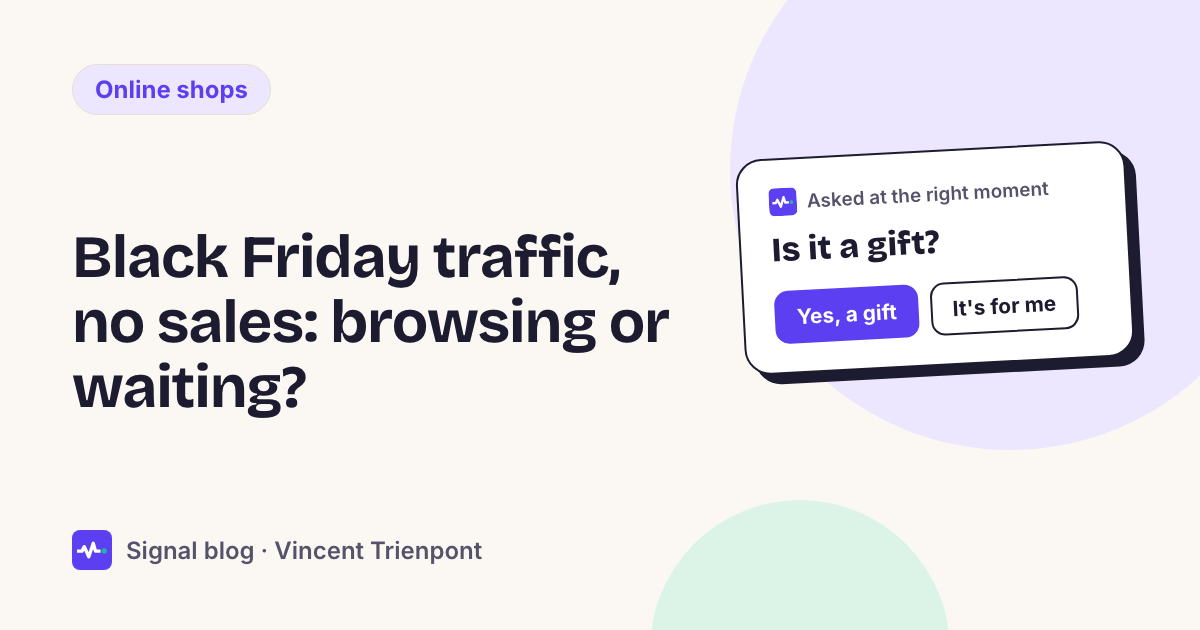
The shop asks one question, once, on a product page after someone has looked at a few products: "Shopping for a gift, or for yourself?"
- "A gift": show three gift ideas in the price range they've been looking at, and the last order date for Christmas delivery.
- "For myself": if they've come back several times, offer to tell them when the sale starts. If it's their first visit, show the delivery date and the returns line.
- "Just looking": show nothing more. Not every visit needs an offer.
One question, three different next steps, and no discount code in sight until the sale actually starts.
Where Signal fits
This is what we built Signal to do. A small script on your shop reads why someone is visiting from the pages they read, where they came from, how long they stay and whether they've been before. When the visit hasn't made it clear and the answer would change what to show, it asks one of your questions. Then it shows the offer or next step you wrote for that reason. If you connect Shopify, it can show matching products from your own catalogue.
It remembers across pages and, where your cookie banner allows it, across visits, so a waiter gets a "welcome back" instead of the same question again. A visitor who's ready can leave a phone number or an email in one field, and your team hears about hot visitors who left without leaving a way to reach them. It never stores IP addresses. See how it works, or try it in shadow mode first: it shows you what it would have done on your real traffic, without visitors seeing anything.
When this isn't the right approach
- Your traffic is small. With a few dozen visitors a day, you can read last November's orders and your inbox by hand. A tool adds little.
- You sell one product at one price. If there's nothing to narrow down and nothing to compare, the work is in delivery, returns and the sale date, not in reading intent.
- The traffic is the problem. If most visitors arrive from an ad that promised something your shop doesn't sell, no question or offer will fix it. Fix the ad first.
- You're starting late. If you're reading this in the week of Black Friday, skip the reading and do the basics: delivery date on the product page, a real sale start time, and answers to last year's questions. The 5-week Black Friday plan for small shops has a short list for late starters.