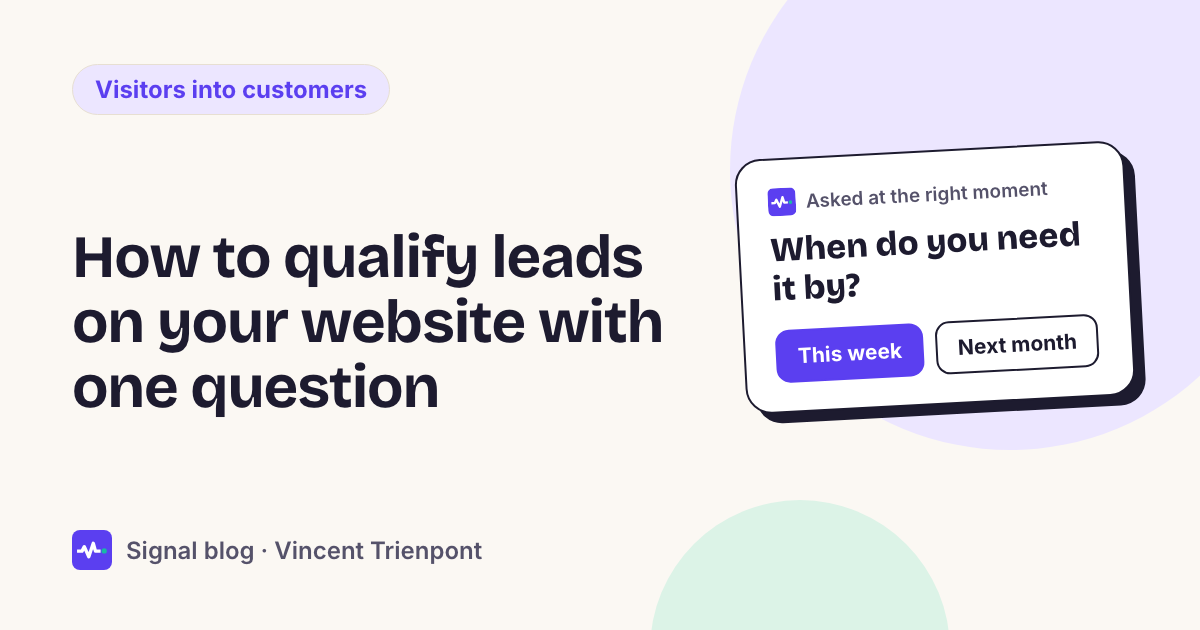
Why one question, and not a form?
Because a form asks everyone everything, and most people never start it.
- Few people start a contact form. Zuko, which measures forms on many websites, found that only 9.09% of people who see a contact form submit it, the lowest rate of any type of form it tracks. Of people who start any form, 34% don't finish.
- Length isn't the main problem. In the same data, the number of fields makes almost no difference to how often people finish a form. The bigger loss is earlier: the form doesn't feel worth starting.
- Shorter is still better. Nielsen Norman Group's first rule for forms is to keep them short, and to cut any field you can work out yourself, ask later or do without.
- Most visitors aren't ready to talk yet. In 6sense's 2025 study of nearly 4,000 B2B buyers, buyers first contacted a seller when they were 61% of the way through their buying process.
A question with answers to tap fixes the first problem, because it costs one tap to answer. And it handles the last one, because "just looking" is an answer too: you learn that the visitor isn't ready, and you don't push them into a sales call.
What makes a good qualifying question?
Six rules. A question that breaks one of them usually gets ignored or closed.
- The answer changes what happens next. If every answer leads to the same "Contact us", don't ask. Each answer needs its own next step.
- It's about them, not about you. "How urgent is it?" is about the visitor's problem. "Have you heard of our new service?" is about yours.
- Two to four answers, to tap. No typing, no dropdown. Short answers that fit on a phone screen without scrolling.
- There's always a way out. One answer for people who aren't ready: "Just looking", "Not sure yet", "Just comparing". Without it, the undecided close the box.
- No personal details. Don't ask for a name, an email or a phone number in the question. Ask for contact details only when the visitor wants something from you, like a call back.
- Asked once. If someone answered, don't ask again on the next page or the next visit.
Need or timing: which one to ask?
Frameworks like BANT list four things to qualify: budget, authority, need and timing. For a small business, two of them do most of the work.
- Ask about need when you offer several different things, and the next step depends on which one: a plumber who does emergencies and bathroom refits, an agency that builds websites and apps, a clinic with several treatments.
- Ask about timing when you offer one main thing, and the next step depends on how soon: a call today for people who need it now, a guide by email for people planning for next year.
Ask about budget only if it changes what you'd offer, for example to send small jobs to a fixed-price package and bigger ones to a call. Ask about authority (are you the decision maker?) almost never on a website: it puts people off, and you'll learn it in the first conversation.
The visit itself often answers one of the two. Someone who has read your emergency call-out page and arrived from a search for "emergency plumber" has told you their need. What's left is timing, or nothing at all: show them the phone number.
Example questions by business type
These are starting points. Use your own words, and keep the answers to what your business actually offers.
| Business | Question | Answers | Next step for each |
|---|---|---|---|
| Plumber or electrician | How urgent is it? | Today / This week / Planning ahead | Phone and WhatsApp / A call back at a time they pick / A quote form and a reminder |
| Clinic or practice | Have you been to us before? | Yes / No, first visit | The booking link for follow-ups / The first-visit page and a booking link for new patients |
| Agency | What are you planning? | A new website / An app or platform / Just exploring | A call with the right lead / A call with a senior developer / Your case studies and a price guide |
| Software company | What brings you here today? | Evaluating for my team / Already a customer / Just curious | A demo booking / Support or login / The product tour |
| Online shop | Is it a gift? | Yes, a gift / It's for me | Gift ideas and vouchers / The products they looked at, sizes and delivery |
| Estate agent | Are you buying, selling or letting? | Buying / Selling / Letting | Viewing requests and new listings / A free valuation / Landlord services |
| Accountant or lawyer | When do you need help? | Now, it's urgent / In the next few months / Just researching | A call back today / A first consultation booking / A checklist by email |
Each row follows the rules: one question, a few answers, a way out for people who aren't ready, and a different next step for each answer. For a plumber's site in more detail, see plumber website getting traffic but no calls.
When and where to ask
Ask when the visit has shown interest, and the visit hasn't answered the question already. Good moments:
- On the second or third page about the same service.
- On the pricing page, after a short read.
- On a return visit, if they didn't answer last time.
Bad moments: the second someone lands, on a blog post they found from a search, or on the contact page (they've already decided to contact you; don't get in the way).
Keep it small, especially on a phone. Google's guidance on intrusive dialogs says not to cover the whole page, and to use banners that take up only a small fraction of the screen, so people can get to the content straight away. A small card in the corner, or a line inside the page, does the job. A full-screen box doesn't.
Let people say no. A close button that works, and a pause after someone closes it. A question that comes back on every page turns a useful question into a nuisance.
What to do with each answer
The answers fall into three groups, and each needs its own next step.
| Group | What they told you | What to offer |
|---|---|---|
| Ready now | They need it soon, and you offer it | The quickest way to talk: call now, WhatsApp, a call back at a time they choose, a booking link |
| Later | They need it, but not yet | Something useful: a price guide, a checklist, a reminder. Ask for an email only, with their consent |
| Just looking | Not now, maybe not ever | Nothing more. Let them read. They may come back |
The worst outcome is treating all three the same. A "Book a call" for someone who said "just looking" teaches them to stop answering. A guide for someone who said "today" loses the job to whoever answers the phone first.
Mistakes that make people close the box
- Asking for an email first. "Get our guide: enter your email" isn't a qualifying question. It's a form in a pop-up.
- Asking what you can see. "Are you interested in our pricing?" on the pricing page.
- Too many answers. Seven options is a menu, not a question. If you need more than four, the question is too broad.
- An open text box. "Tell us about your project" gets the same few answers as a contact form.
- No answer for the undecided. Without "Just looking", people who aren't ready either close the box or give a wrong answer.
- The same next step for every answer. Then the question was only decoration.
- Asking again. On the next page, or the next day, after they've answered.
A worked example
This is an illustration, not a customer story. A small web agency gets about 2,000 visits a month and a handful of enquiries, many of them for small jobs it doesn't take on. Its contact form asks for a name, an email, a budget, a deadline and a description.
The agency adds one question, shown on a visitor's second service page: "What are you planning?"
- "A new website": offer a 20-minute call with the web lead, or the price guide for websites.
- "An app or platform": offer a call with a senior developer.
- "Just exploring": show two case studies. No more questions.
The contact form stays, cut to name, email and a short message, for people who want to write. The agency now knows, before the call, what each enquiry is about, and the people who were only exploring aren't pushed into a sales call they didn't want. For how a booking form can ask questions first, see Calendly routing forms vs asking one question.
Where Signal fits
This is the way Signal works. A small script on your site reads each visit: the pages read, where the visitor came from, how long they stay and whether they've been before. It estimates what the visitor needs and how soon, with a confidence for each. Only when an estimate is unsure and the answer would change what to offer does it ask one of your questions, with answers to tap, and it never asks the same thing twice. Then it offers the next step you set for that answer: a call, a call back, WhatsApp, a booking link, or a guide by email. Your team gets an alert with the whole visit.
You write the questions and offers, or start from suggestions for your type of business. Signal never stores IP addresses, and you can run it in shadow mode first: it shows what it would have asked and offered on your real traffic, without visitors seeing anything. Plans start at €39 a month; see pricing.
When one question isn't enough
- Your offer needs details before you can quote. A kitchen fitter needs measurements; a lawyer needs to know the type of case. Ask one question first, then give the people who are ready a short form for the details.
- Leads come through other channels. If most enquiries come by phone or from a marketplace, qualify there; the website question only covers the visitors on your site.
- You have very little traffic. With a few visitors a week, ask your last ten customers what they needed and how soon. It'll tell you which question to ask.
- You sell to large companies with a buying committee. One question can still route the visitor, but qualification will happen over several calls, whatever you ask on the website.
Questions people ask
What's the best question to qualify a lead? The one whose answer changes what you'd do next. For most small businesses that's "What do you need?" or "How soon?". Start with whichever the visit can't already tell you.
How many questions can I ask on a website? One at a time. Three in total is plenty, and only if each answer changes what happens.
Won't a question annoy visitors? A full-screen box the moment they land will. A small question with answers to tap, after they've read a page or two, and only once, usually doesn't, as long as there's an answer for people who are just looking.